
A branded jewelry catalog for client presentations
Show designs under your store name in sales meetings. Download production files when the client approves. Your logo on the catalog—not a consumer jewelry shop.
14-day trial — no credit card required
Use the catalog in client conversations
Browse rings and bands with clients on a tablet or in-store—under your brand, not a marketplace.
In-store or on a tablet
Open your branded catalog URL during consultations. Clients see your logo and business name while you walk through styles, stone shapes, and settings.
No prices on the public catalog
You control pricing in the conversation. The catalog focuses on design selection, not competing on listed file prices.
Close faster with real designs
Instead of describing a concept, show production-ready models the client can visualize. When they say yes, move straight to download or customization.
Your brand in front, production files behind the scenes
Your catalog URL and logo face the client. Downloads and customizations stay in your account.
What jewelers manage
- Full catalog with filters and product detail
- Member pricing and download limits in account
- Customization requests (finger size, primary stone size)
- Order history and production file downloads
What clients see
- Your logo and business name
- Curated jewelry designs without 3DJC branding
- No subscription or file-marketplace messaging
- A professional catalog experience aligned with your store
How jewelers use the catalog
Show designs under your brand, confirm the piece with your client, then download production STLs for resin printing and casting.
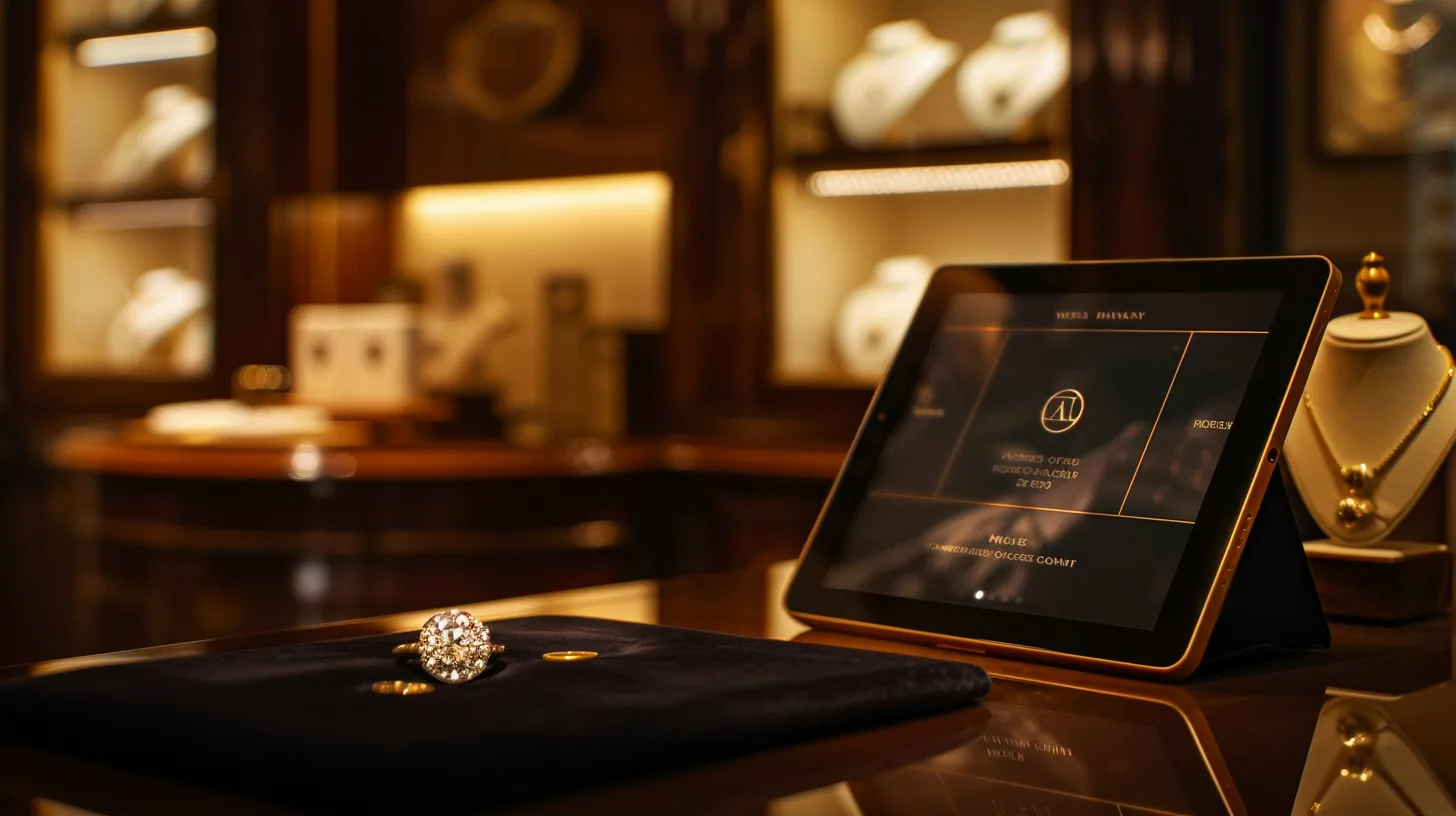
1. Show
Open your branded catalog during a client consultation—your logo, your store name.
1. Show
Open your branded catalog during a client consultation—your logo, your store name.
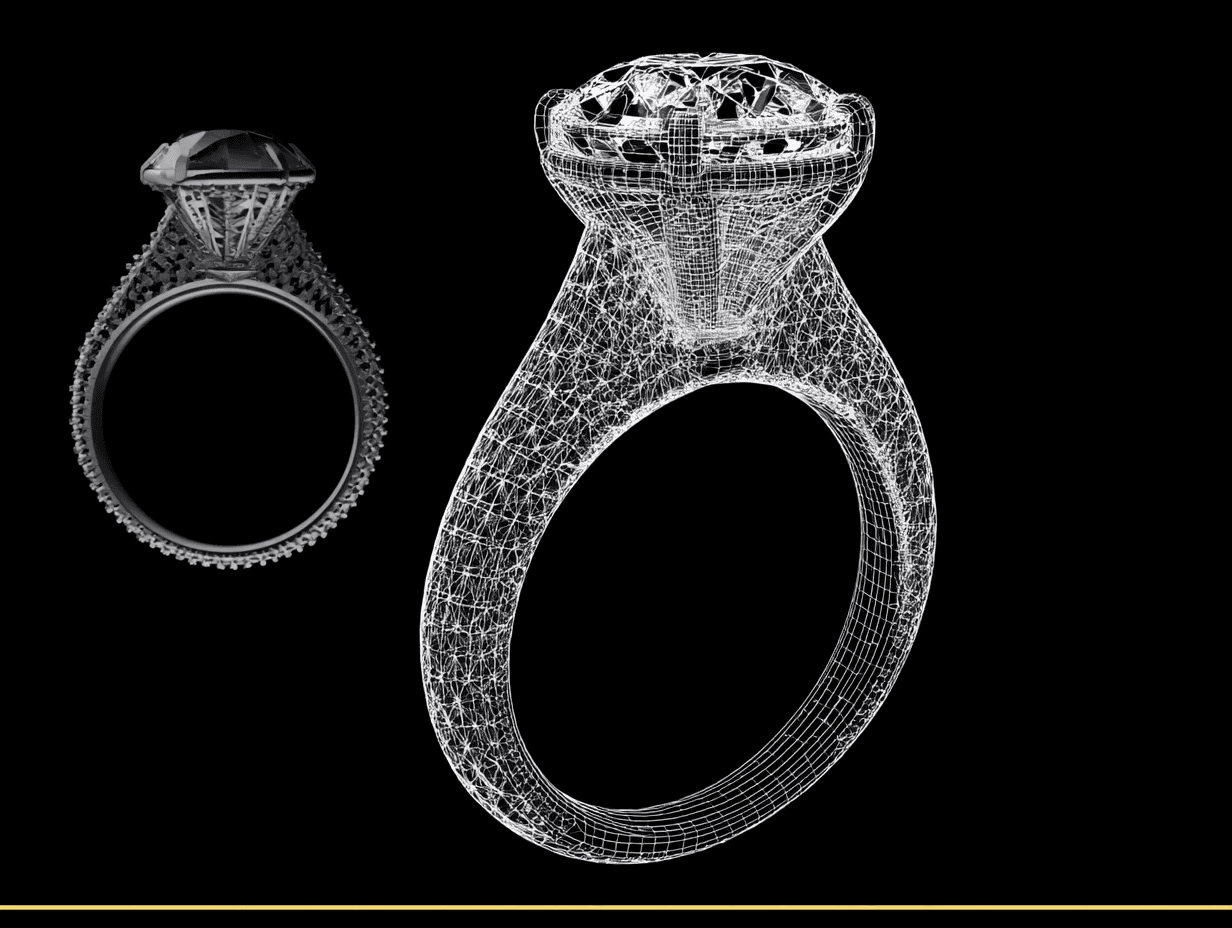
2. Select
Filter by style while the client explores rings, pendants, and bands in your showroom.
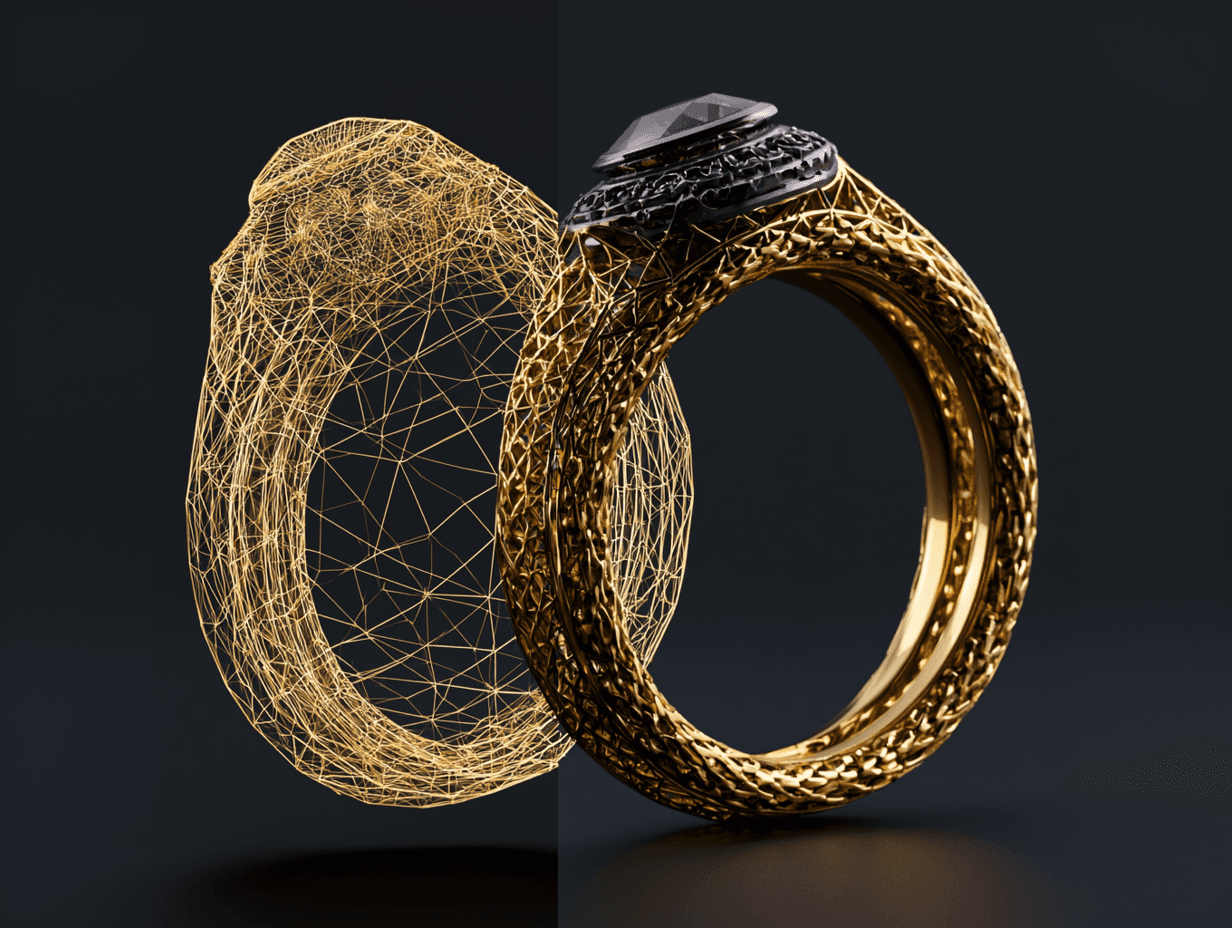
3. Download & produce
Download print-ready STLs from your account and move into resin print, cast, and bench finish.
How the workflow works
- 1
Show
Open your branded catalog during a sales conversation. Filter by category, stone shape, or style while the client explores options.
- 2
Select
When the client approves a design, note the SKU or save the product. Request finger size and primary stone size customization if needed.
- 3
Download & produce
Download the production file (STL format) included in your plan or purchased separately, print in castable resin, and finish on the bench—or send to your casting partner.
Common questions before you start
Is the branded catalog included with membership?
Yes. The Jeweler Plan ($20/month) includes branded (white-label) catalog access. You can configure logo and company name in your account.
What happens to my catalog URL if I cancel?
When a paid subscription ends, the public branded catalog URL is no longer active. Your white-label settings may remain saved in your account if you resubscribe later.
Can clients buy finished jewelry directly from my catalog?
No. The branded catalog is for presenting designs to clients during your sales process. Clients do not check out for finished jewelry or download files on your catalog pages—you manage production after the sale.
Do I need CAD skills?
No. Most jewelers use the catalog for sales and download production-ready files. Customizations are limited to supported sizing fields—not full CAD redesign.
White-label on every paid plan
Start with a 14-day free trial to set up your branded catalog and test STL quality before you subscribe.