
How to Start 3D Printing Jewelry A Beginner Guide for Jewelers
STLs, resin printers, budgets, and the path from design to cast piece—for bench jewelers new to 3D printing.
14-day trial — no credit card required
Start here: what you need before your first print
Before your first print, know these four pieces: printer, resin setup, production STLs, and casting workflow.
A resin 3D printer (not filament)
Fine prongs, pavé, and stone seats need micron-level detail. Consumer resin printers (MSLA/LCD or DLP) are the standard for jewelry masters—not FDM filament machines.
Castable resin + post-processing
You need resin formulated to burn out cleanly in casting, plus wash/cure equipment and safe ventilation. Budget another $300–$800 beyond the printer for a workable setup.
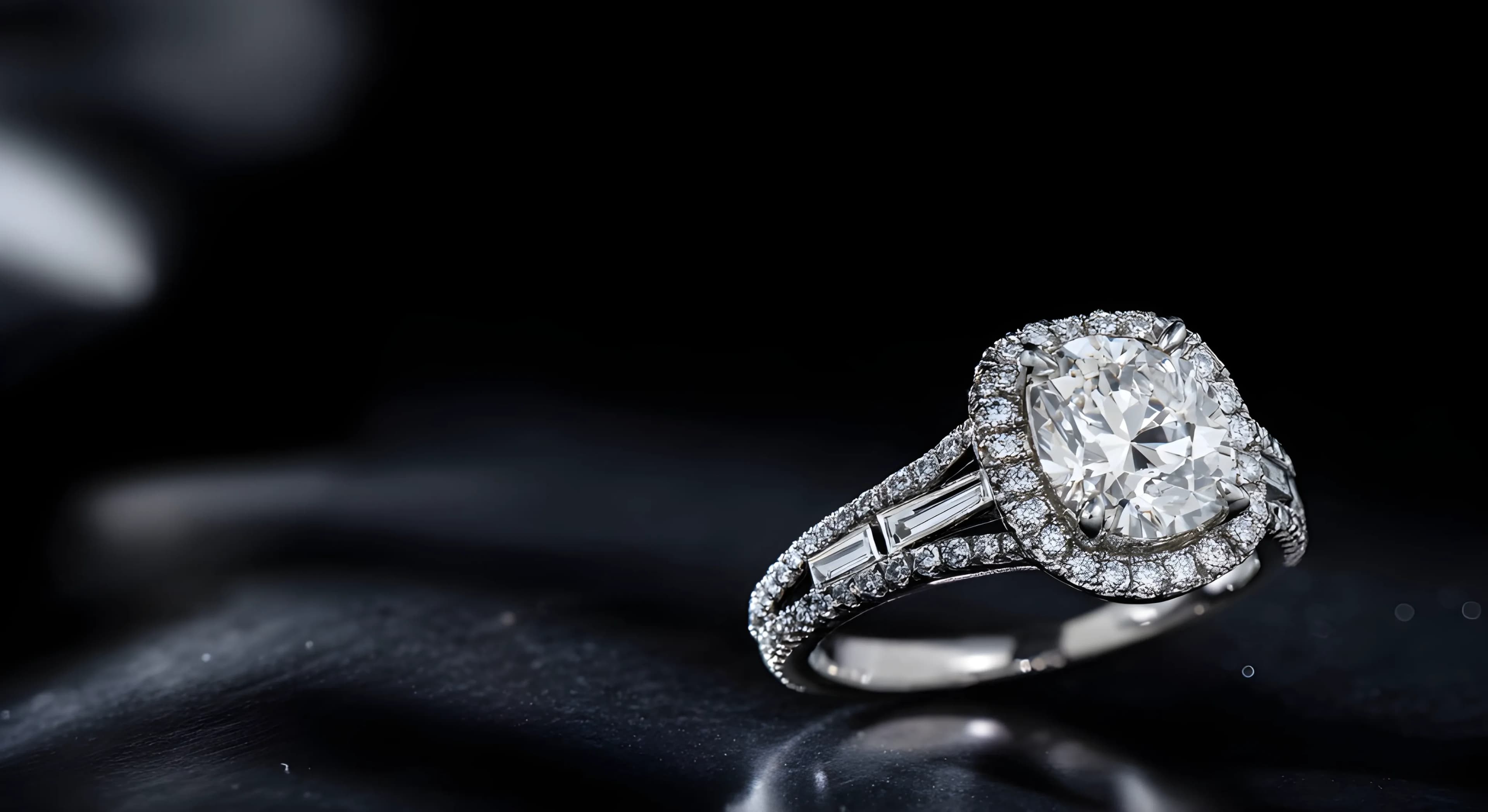
Production-ready STL files
An STL is the 3D file your printer reads. Not every STL online is tested for jewelry casting. Curated, print-ready files save failed prints and rework.
Casting workflow
Most jewelers print a master, cast in metal, then finish by hand. Whether you cast in-house or with a partner, your printer choice should match your volume and tolerance for downtime.
What is an STL?
STL stands for Stereolithography—a file format that describes a 3D object as a mesh of triangles. Your slicing software reads the STL, adds supports, and sends layer instructions to the resin printer.
For jewelers, the STL is the bridge between a design and a physical master. When a client approves a ring or pendant, you download the STL, print it in castable resin, and send the result into your lost-wax or investment-casting process.
That is why file quality matters as much as printer quality. A poorly built STL may print but fail during burnout, break delicate claws, or need hours of bench correction. Production-ready STLs are optimized for jewelry: correct wall thickness, clean geometry, and dimensions that survive casting.
Quick definition
STL = the 3D file your resin printer uses to build a physical master before casting.
Browse production-ready jewelry STLs
Why resin, not filament?
Filament (FDM) printers melt plastic line-by-line. They are excellent for prototypes and large rough shapes, but they are the wrong default for fine jewelry masters.
- Resolution: resin printers routinely achieve 25–50 µm layer detail—critical for micro-pavé and crisp prongs.
- Surface finish: smoother masters mean less bench time before casting.
- Castable resins: jewelry workflows rely on resins that burn out predictably; filament plastic does not replace that step.
Filament printers like Bambu Lab or Prusa can help with rough concept models, but professional jewelers standardize on resin for production masters. If a listing says "3D printer" without specifying resin, assume it is not jewelry-ready.
Resin printer buying guide
By budget tier — resin only, not filament
Approximate USD retail prices as of mid-2026. Verify current pricing, resin compatibility, and local availability before purchase. We are not affiliated with printer manufacturers.
Entry level
$250 – $600Elegoo Mars series, Anycubic Photon Mono (4K–14K)
Best for: First resin printer, learning supports and castable resins
Compact build volume; excellent for rings and pendants. Pair with a wash/cure station and castable resin from a trusted supplier.
Best value for jewelry detail
$350 – $1,000Phrozen Sonic Mini 8K S, Phrozen Sonic Mighty 8K, Elegoo Saturn Ultra
Best for: Independent jewelers and stores printing daily masters
Higher XY resolution for filigree and bridal work. Open resin ecosystem—PowerResins, BlueCast, and similar castable formulas are widely used.
Professional studio
$3,500 – $6,500 (complete setup often higher)Formlabs Form 4 (and Form 4L for volume)
Best for: Studios that need validated resins and minimal failed prints
Closed ecosystem with proprietary resins and wash/cure accessories. Higher upfront cost, lower surprise failure rate for client work.
Production / premium DLP
$8,000 – $20,000+Asiga (Max 2, Ultra), B9Creations Core series
Best for: High-volume manufacturing and repeatability at scale
Industrial throughput and open or semi-open material systems. Justified when print failure directly costs client deadlines.
Beginner workflow: from STL to finished piece
- 1
Choose a design
Pick from a curated catalog or your own CAD. For client sales, many jewelers browse a white-label catalog in-store while the client decides.
- 2
Download the STL
Load the file into your slicer (Chitubox, Lychee, or manufacturer software). Confirm units are millimeters and scale matches the finger or stone size.
- 3
Add supports & slice
Orient the model to minimize supports on visible surfaces. Use manufacturer-recommended exposure times for your castable resin.
- 4
Print in castable resin
Print, wash in IPA or compatible solvent, and fully cure. Follow resin and caster guidelines for minimum wall thickness and burnout schedules.
- 5
Cast & finish
Invest, burn out, cast metal, then bench-finish: clip supports, set stones, polish. The STL master is sacrificial—your skill on the bench still matters.
Shopping checklist
- Resin 3D printer (MSLA/LCD or DLP—not filament for production masters)
- Castable resin validated for jewelry burnout
- Wash station and UV cure unit
- Ventilation, nitrile gloves, and eye protection
- Slicing software compatible with your printer
- Production-ready STL source (catalog subscription or in-house CAD)
- Casting partner or in-house lost-wax / investment setup
Common beginner mistakes
Buying a filament printer for fine jewelry
Start with resin. Filament is for rough prototypes, not production masters with fine detail.
Using non-castable resin
Only use resins designed for burnout casting. Standard hobby resins will not substitute.
Assuming every STL is production-ready
Test files from unknown marketplaces often fail casting. Use curated, tested STLs or verify with trial prints.
Skipping wash and cure
Incomplete curing leads to brittle masters and casting defects. Follow resin manufacturer times exactly.
Ignoring caster burnout specs
Coordinate print thickness and resin choice with whoever runs the flask. Your printer and caster are one workflow.
You do not need to design everything from zero
Most jewelry stores do not start by hiring a CAD team. They subscribe to a curated catalog of production-ready STLs, show designs to clients under their own brand, and download files when a sale closes.
- Browse thousands of rings, pendants, earrings, and bands optimized for resin printing
- White-label catalog: your logo, your client conversation—no 3DJC branding on public pages
- 14-day free trial with up to 3 production STL downloads to evaluate print quality—no credit card required